 TheWoWDB
How to
How to Add a WoW Discord Sticker
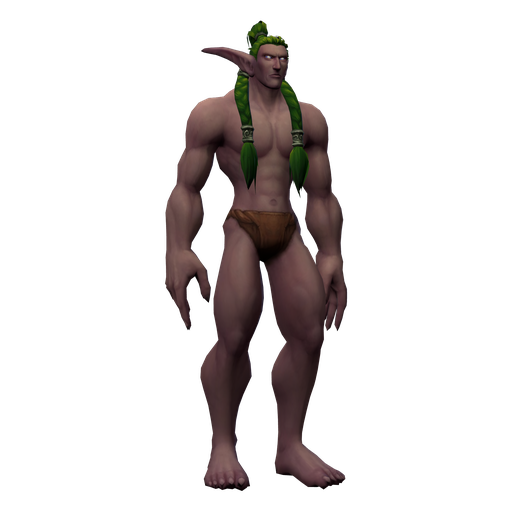
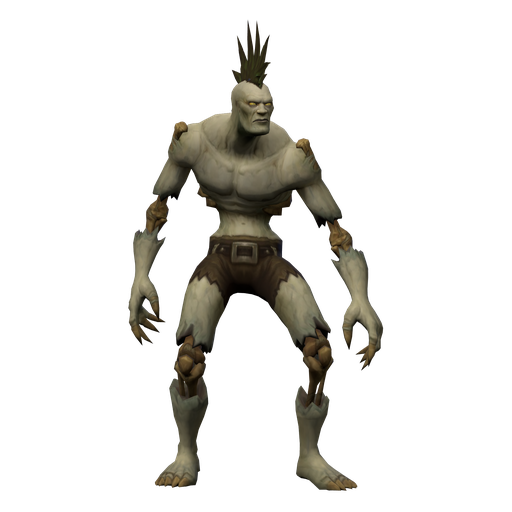
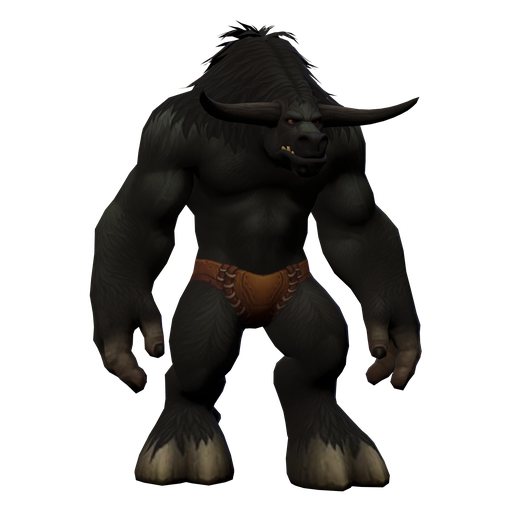
Add a World of Warcraft race render to your Discord server as a sticker, or as a custom emoji, with the right file for each.
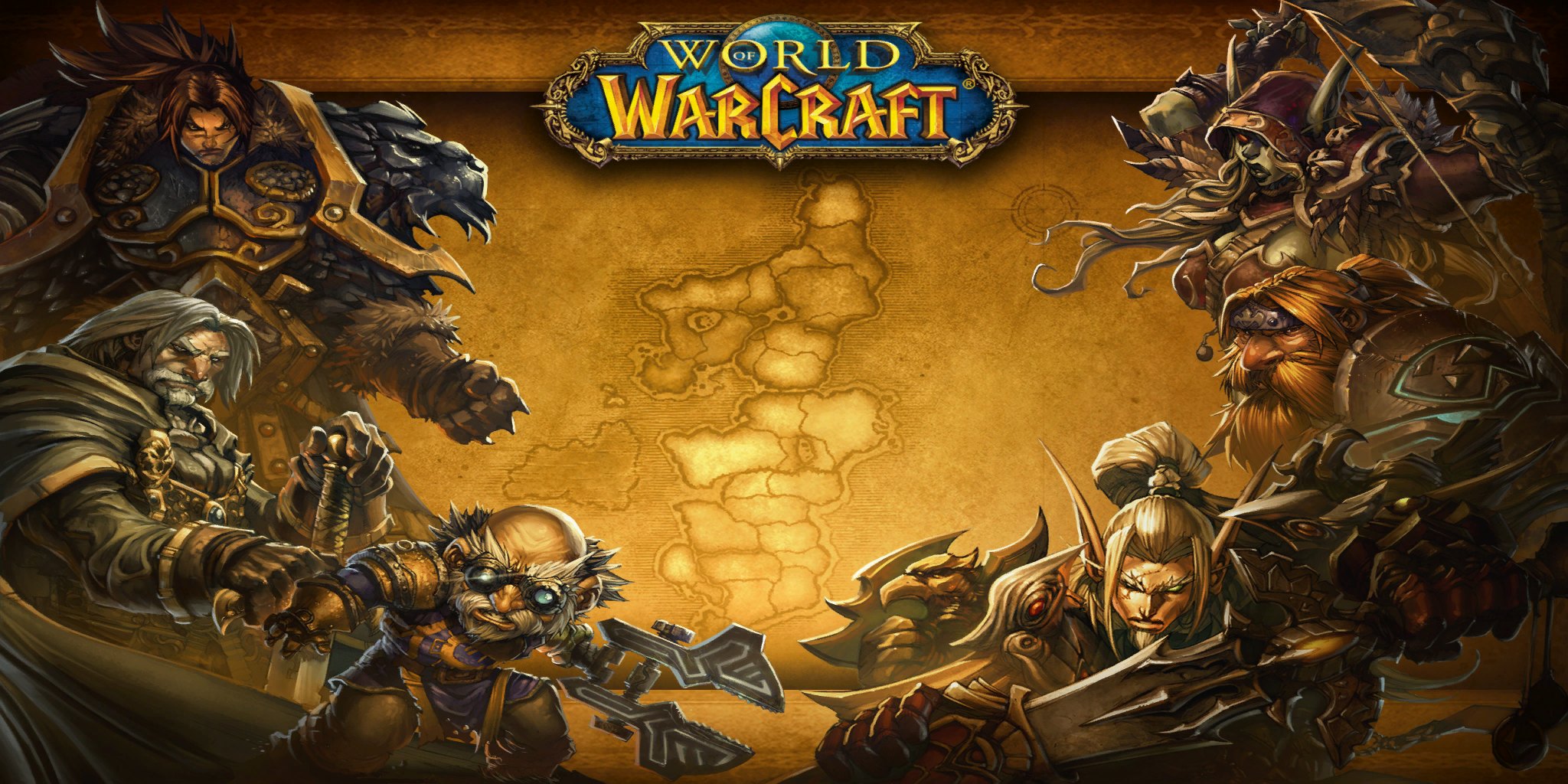
Art: Eastern Kingdoms loading screen · Blizzard Entertainment.
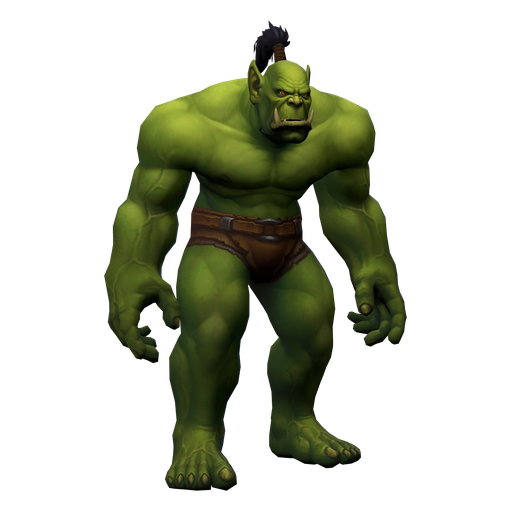
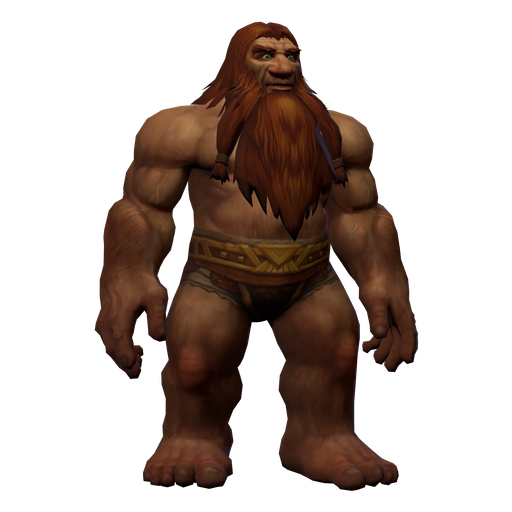
Discord stickers are 320 x 320 pixel images with a small file size cap. The Discord sticker 320 file on every render page is cut to that size as a transparent PNG, and the 112 px emote file doubles as a custom emoji.
- Open the render page for the race you want and download Discord sticker 320.
- In Discord, open your server menu, choose Server Settings, then Stickers.
- Click Upload Sticker in a free slot. Servers start with a few slots and Server Boosts add more.
- Choose the PNG, give the sticker a name and a related emoji, and save.
- For a custom emoji instead, go to Server Settings, then Emoji, and upload the Twitch emote 112 file. It is already square and transparent.
Want it moving? Post the dance GIF or WebP directly in a channel. The loops are larger than Discord's sticker size cap, so they work as message attachments rather than as stickers.
Only add stickers to servers you manage, and keep the credit line with the image if you share it outside Discord.
Ready-made files


Model and animation © Blizzard Entertainment. Fan reference, not affiliated.