 TheWoWDB
Lonely Banewood Pine
Nature · Large Foliage

Client icon for this decor. No catalog portrait is in the current game files. © Blizzard Entertainment.
Description
Lonely Banewood Pine is a huge piece from Shadowlands in the Nature catalog, under Large Foliage. Its catalog style is Nature and Spooky. The color filter lists it under blue.



Background

Art © Blizzard Entertainment. Fan reference, not affiliated.
How to Get Lonely Banewood Pine
In our data, Lonely Banewood Pine is sold by a vendor.
Sources come from the game files (collection vendor rows, quest and achievement rewards, journal loot, recipes, RenownRewards and HouseLevelRewardInfo text) and Blizzard's quest API. Auction House figures are the lowest listed price on each US connected realm in our latest scan, not sale prices.
Where to Buy Lonely Banewood Pine
The game's collection data lists Lonely Banewood Pine as sold by a vendor. The same NPC sells 48 other decor pieces, listed below.
Also Sold by This Vendor
Plus 36 more from the same vendor.
Vendor NPC, zone and position come from the client's collection source tables (CollectableSourceInfo and CollectableSourceVendorSparse); coordinates are the in-game map readout. The client does not carry the vendor's name for these NPCs or the price it charges, so neither is shown here.
First seen in build 12.1.5.70340 (October 12, 2026).
In the Decor Catalog
Tags are the in-game Decor Catalog filters, read from the game files (DataTagXHouseDecorRecord, named by DataTagInfo and DataTagGroup).
Placing Lonely Banewood Pine
Placing Lonely Banewood Pine spends 5 of your yard decor budget. That budget is a pool of weight points, not a piece count, and it grows with the house: at house level 7 its 350 points hold 70 of this piece.
| House level | Yard decor budget | Copies of Lonely Banewood Pine |
|---|---|---|
| 1 | 200 | 40 |
| 3 | 250 | 50 |
| 5 | 300 | 60 |
| 7 | 350 | 70 |
Yard budgets read from HouseLevelRewardInfo in the game files. Interior budgets are not stored there, so none is quoted.
Decor like Lonely Banewood Pine
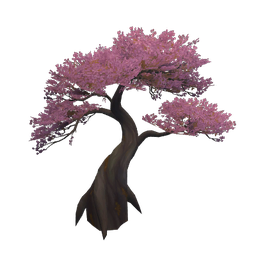
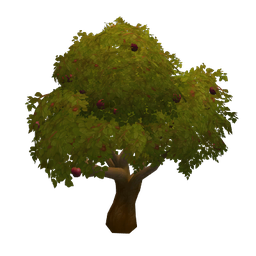
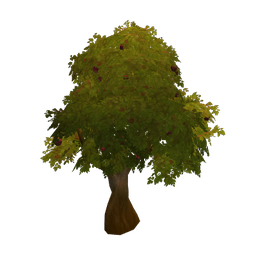
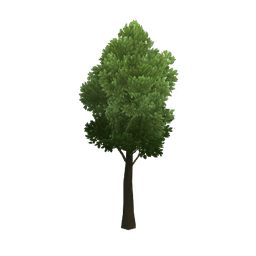
Every piece here shares the Nature tag with Lonely Banewood Pine. Ranked by the Decor Catalog tags each piece has in common with it, rarer tags counting for more; under a name are the further tags that piece shares.
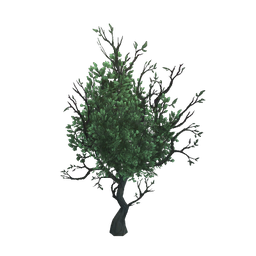
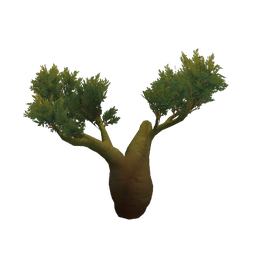
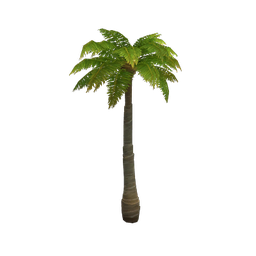
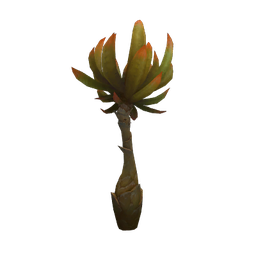
More Nature Decor

Collection Guides
Listed in: Midnight Patch 12.1.5 Housing Decor Guide · Midnight Housing Decor Guide. The guide tracks additions and removals after each new client build, and every name links to this database page.