 TheWoWDB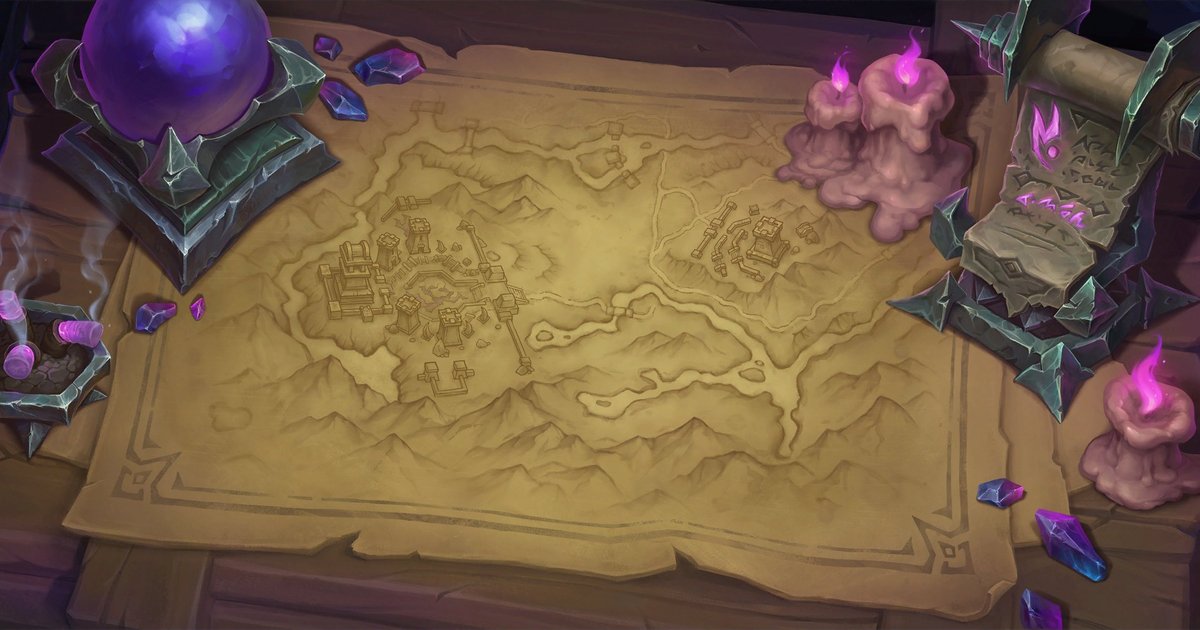
How to
How to Set a WoW Wallpaper on Android
Set a World of Warcraft wallpaper on a Pixel, Galaxy or any Android phone, cut to 1080 x 2400 so nothing stretches.
Art: Broken Throne · Blizzard Entertainment.
Most current Android phones use a 20:9 screen, which is what the 1080 x 2400 file is cut for. Download it, then set it from your gallery app.
Steps
- Open the wallpaper's page on your phone and tap the Android download.
- Open the downloaded image from the notification, or from Files > Downloads.
- Tap the three-dot menu and choose Set as wallpaper (Samsung Gallery: Set as wallpaper; Google Photos: Use as).
- Choose Home screen, Lock screen, or both, and confirm.
Tips
- If your launcher scrolls the wallpaper sideways, turn off wallpaper scrolling so the art stays framed the way it was cut.
The sizes we cut
| iPhone 15 / 15 Pro / 16 | 1179 x 2556 |
|---|---|
| iPhone 15 Plus / Pro Max / 16 Plus | 1290 x 2796 |
| Android (Pixel, Galaxy S) | 1080 x 2400 |
Wallpapers to try
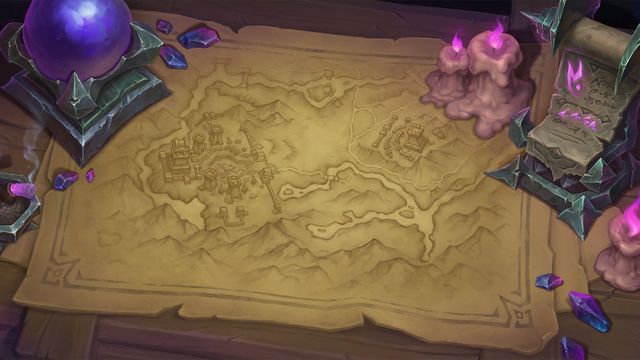 Broken ThronePhoneDesktop
 Daggerspine PointPhoneDesktop
 The Blinding ValePhoneDesktop
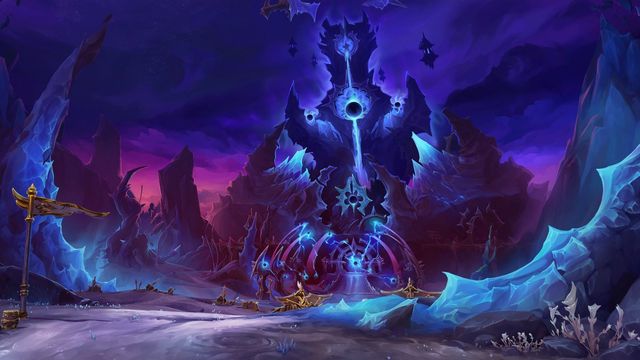 The VoidspirePhoneDesktop
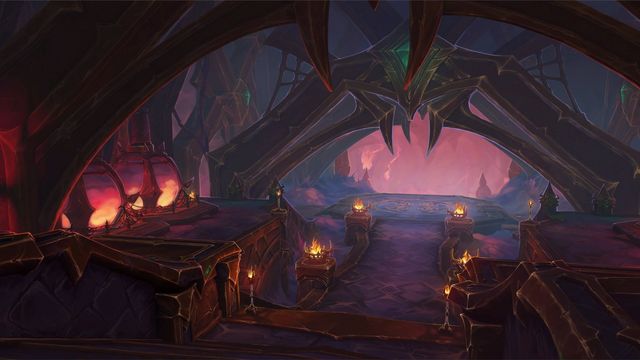 Ara-Kara, City of EchoesPhoneDesktop
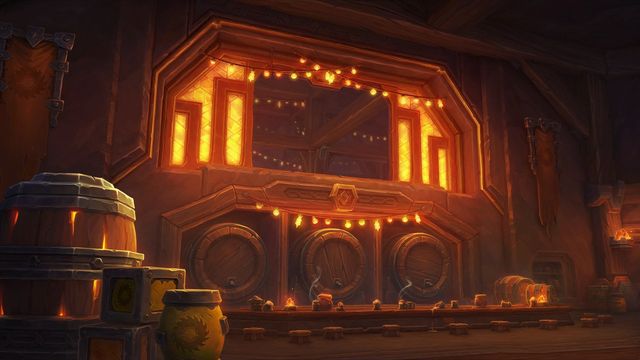 Cinderbrew MeaderyPhoneDesktop
Art © Blizzard Entertainment. Fan reference, not affiliated.