 TheWoWDB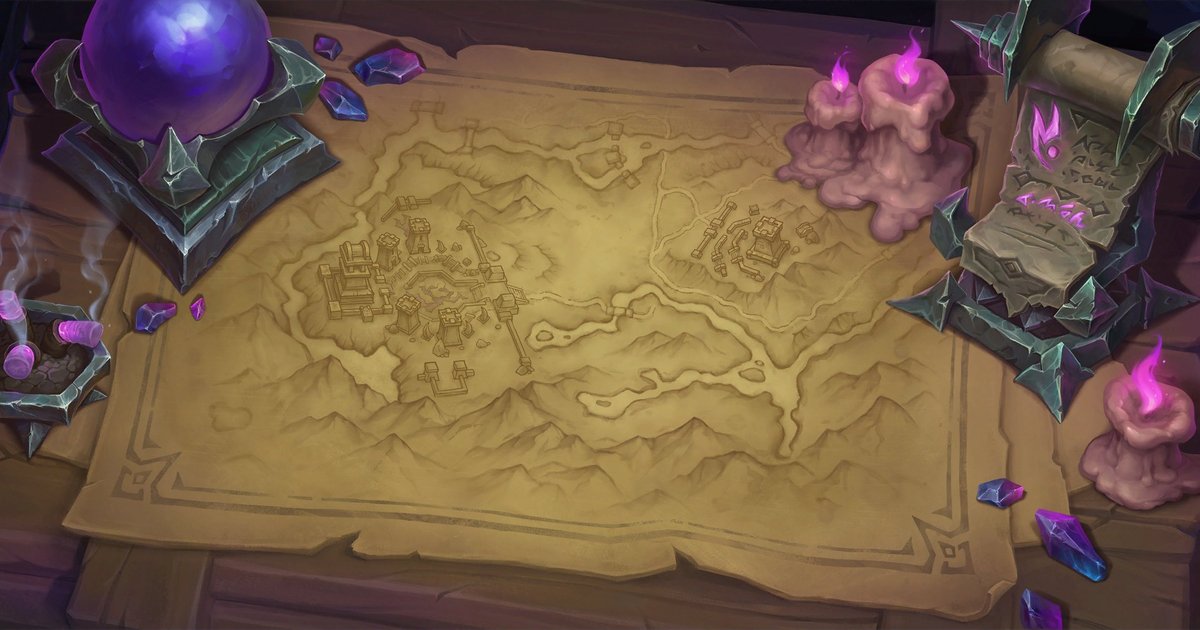
How to
How to Set a WoW Wallpaper on Windows
Set a World of Warcraft desktop background on Windows 11 or 10 at 1080p, 1440p or ultrawide (4K where the source art is big enough), cut to fit with no stretching.
Art: Broken Throne · Blizzard Entertainment.
Download the size that matches your monitor. Not sure? Right-click the desktop, choose Display settings and read the Display resolution line.
Steps
- Download the desktop size that matches your display resolution.
- Open the Downloads folder, right-click the image and choose Set as desktop background.
- For more control, open Settings > Personalization > Background, pick Picture, browse to the file and set Choose a fit to Fill.
- With two monitors, right-click a picture in that Background list to choose which monitor it goes on.
Tips
- Ultrawide (3440 x 1440) files are cut at 21:9, so Fill shows the whole image on a 34 inch ultrawide.
The sizes we cut
| Desktop 1080p | 1920 x 1080 |
|---|---|
| Desktop 1440p | 2560 x 1440 |
| Desktop 4K | 3840 x 2160 |
| Ultrawide 21:9 | 3440 x 1440 |
Wallpapers to try
 Broken ThronePhoneDesktop
 Daggerspine PointPhoneDesktop
 The Blinding ValePhoneDesktop
 The VoidspirePhoneDesktop
 Ara-Kara, City of EchoesPhoneDesktop
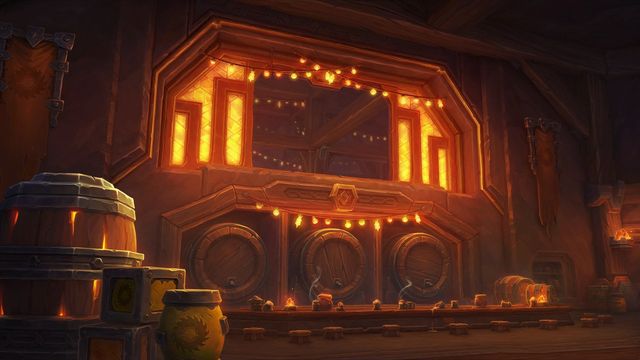 Cinderbrew MeaderyPhoneDesktop
Art © Blizzard Entertainment. Fan reference, not affiliated.