 TheWoWDB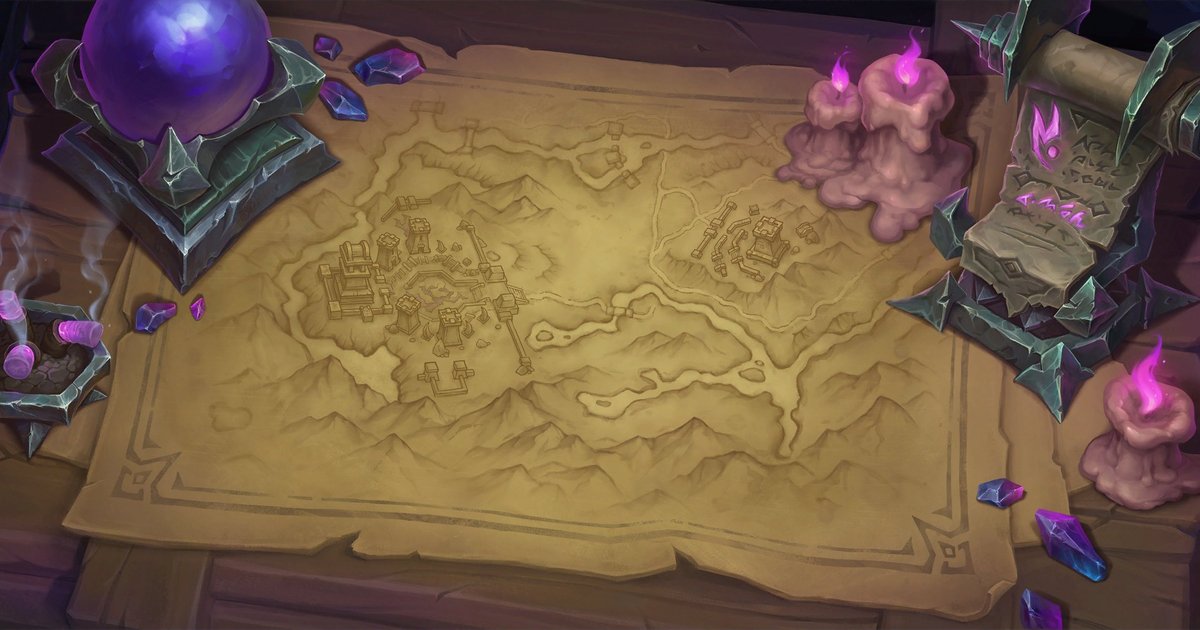
How to
How to Set a WoW Wallpaper on Mac
Set a World of Warcraft desktop picture on macOS, from a MacBook to a 5K display, without stretching the art.
Art: Broken Throne · Blizzard Entertainment.
Retina Macs scale the desktop picture to the panel. The 2560 x 1440 file (or 4K where a wallpaper offers it) is the right pick for most MacBooks and external displays.
Steps
- Download the 1440p desktop size, or 4K where the wallpaper offers it.
- In Finder, open Downloads, right-click the image and choose Set Desktop Picture.
- Or open System Settings > Wallpaper, click Add Folder or Photo, and pick the file.
- Set the fit to Fill Screen so the art covers the display edge to edge.
Tips
- With Spaces, set the picture on each desktop: macOS keeps a separate wallpaper per Space.
The sizes we cut
| Desktop 1080p | 1920 x 1080 |
|---|---|
| Desktop 1440p | 2560 x 1440 |
| Desktop 4K | 3840 x 2160 |
| Ultrawide 21:9 | 3440 x 1440 |
Wallpapers to try
 Broken ThronePhoneDesktop
 Daggerspine PointPhoneDesktop
 The Blinding ValePhoneDesktop
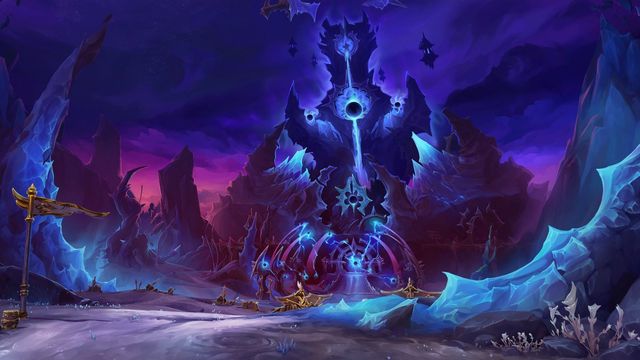 The VoidspirePhoneDesktop
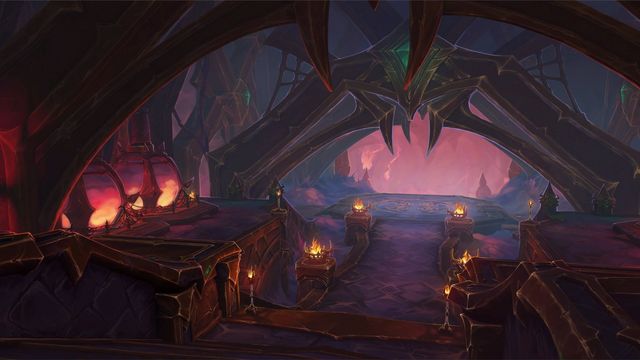 Ara-Kara, City of EchoesPhoneDesktop
 Cinderbrew MeaderyPhoneDesktop
Art © Blizzard Entertainment. Fan reference, not affiliated.