 TheWoWDB
EmoteClassicRetailClassicForever
Gnome Chicken Emote
A gnome clucking like a chicken with /chicken.
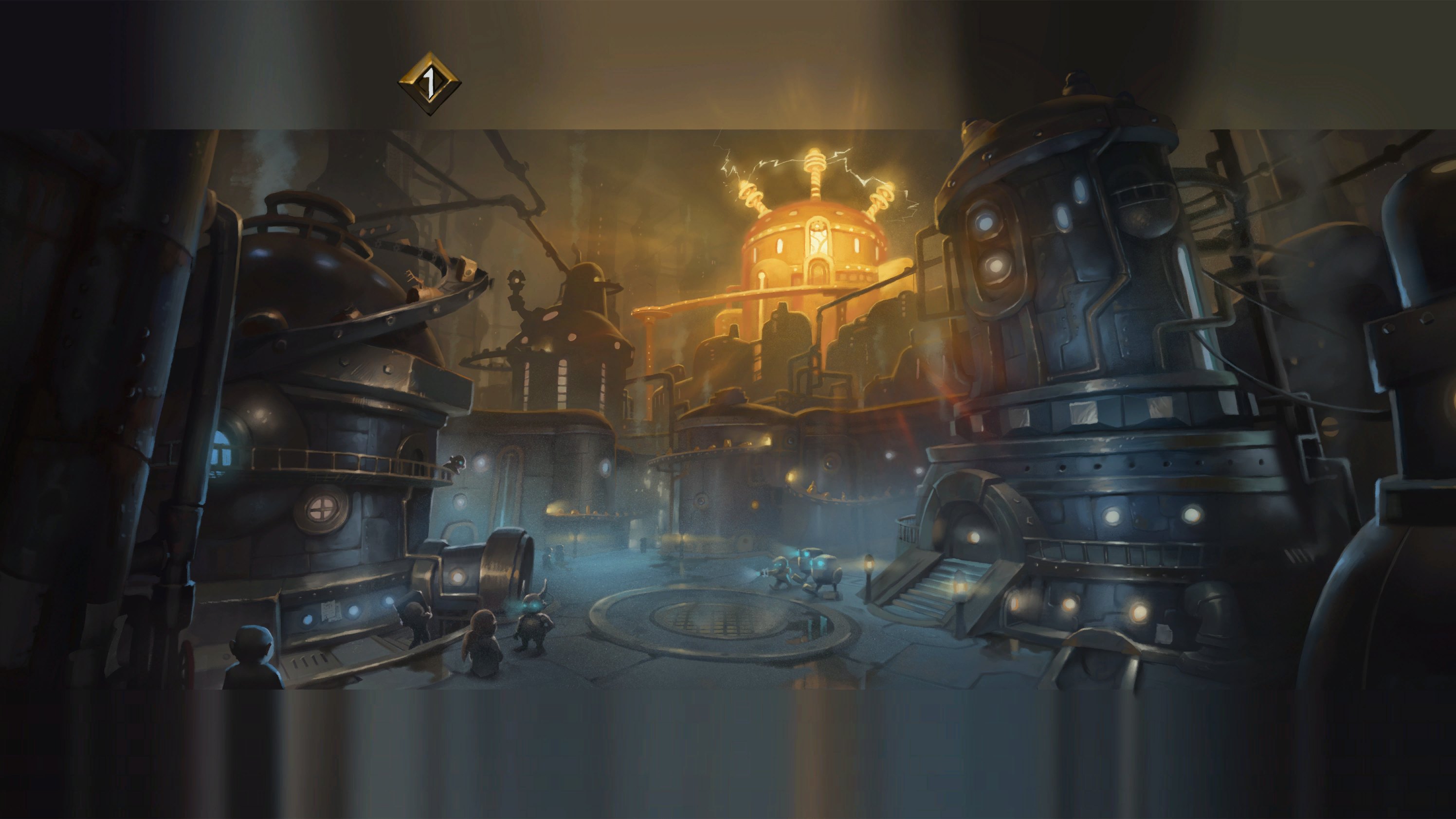
Art: Operation: Mechagon loading screen · Blizzard Entertainment. Operation: Mechagon, gnomish tinkering at its height
0:00 / 3.5s
Where you hear it
gnomemalechicken01.ogg is the gnome version of the /chicken emote. The emote mocks a target as a coward, and the character flaps their arms and clucks. Every race and gender has its own take, but the gnome's is famously the silliest. It is about three and a half seconds of squeaky clucking. It is a top choice for a mocking reaction in Discord.
TriggerPlays when a male gnome character performs the /chicken emote.
In the game client
| Client path | sound/character/gnome/gnomemalechicken01.ogg |
|---|---|
| FileDataID | 540270 |
| Expansion | Classic |
| Game versions | Retail, Classic, Forever |
| Duration | 3.5s |
| Sample rate | 22,050 Hz |
| Channels | Mono |
| Loudness | -14.6 LUFS |
| MP3 size | 81 KB |
| M4R size | 46 KB |
| OGG size | 32 KB |
Other gnome sounds in the client
- Gnome male cry 01
sound/character/gnome/gnomemalecry01.oggFDID 540264 - Gnome male laugh 01
sound/character/gnome/gnomemalelaugh01.oggFDID 540267 - Gnome male yawn 01
sound/character/gnome/gnomemaleyawn01.oggFDID 540274 - Gnome male choo-choo 01
sound/character/gnome/gnomemalechoochoo01.oggFDID 540275 - Gnome male kiss 01
sound/character/gnome/gnomemalekiss01.oggFDID 540276 - Gnome male sigh 01
sound/character/gnome/gnomemalesigh01.oggFDID 540277 - Gnome female kiss 01
sound/character/gnome/gnomefemalekiss01.oggFDID 540265 - Gnome female sigh 01
sound/character/gnome/gnomefemalesigh01.oggFDID 540266
Use it as
Notification sound
Over a text, three and a half seconds of squeaky clucking registers instantly and is hard to confuse with a stock phone chime.
Discord soundboard
On a soundboard the 3.5-second Gnome Chicken Emote clip lands and finishes before anyone has to stop talking.
iPhone
- Tap iPhone ringtone (.m4r) above and choose Download.
- Open the Files app, go to Downloads and open the file.
- Tap Share, then Use as Ringtone (iOS 26).
- Pick it in Settings, Sounds & Haptics, Ringtone or Text Tone.
Android
- Tap Download MP3 above.
- Open Settings, Sound & vibration, then Phone ringtone or Default notification sound.
- Tap My sounds, then +, and pick the MP3 from Downloads.
Discord
- Download the OGG or MP3 above.
- Open Server Settings, Soundboard, Upload Sound, and pick the file.
- Name it and choose an emoji. You need the Manage Expressions permission.
Discord takes clips up to 5.2 seconds and 512 KB; this one fits.
Windows
- Windows sound schemes only take WAV files, so convert the MP3 to WAV first (Audacity or any audio converter does it in one export).
- Open Settings, System, Sound, More sound settings, then the Sounds tab.
- Pick an event such as Notification, click Browse, choose the WAV, then Apply.
OBS alert
- Download the MP3 above.
- In your alert tool (Streamlabs or StreamElements) set it as the alert sound file.
- Or in OBS add a Media Source with the MP3, untick Loop, and fire it with a hotkey.
Related sounds


On TheWoWDB
Appears inWoW Discord Sound Clips
Audio © Blizzard Entertainment. Fan reference, not affiliated.