 TheWoWDB

CreatureClassicRetailClassicForever
Grunt War Cry
An orc grunt's battle roar.
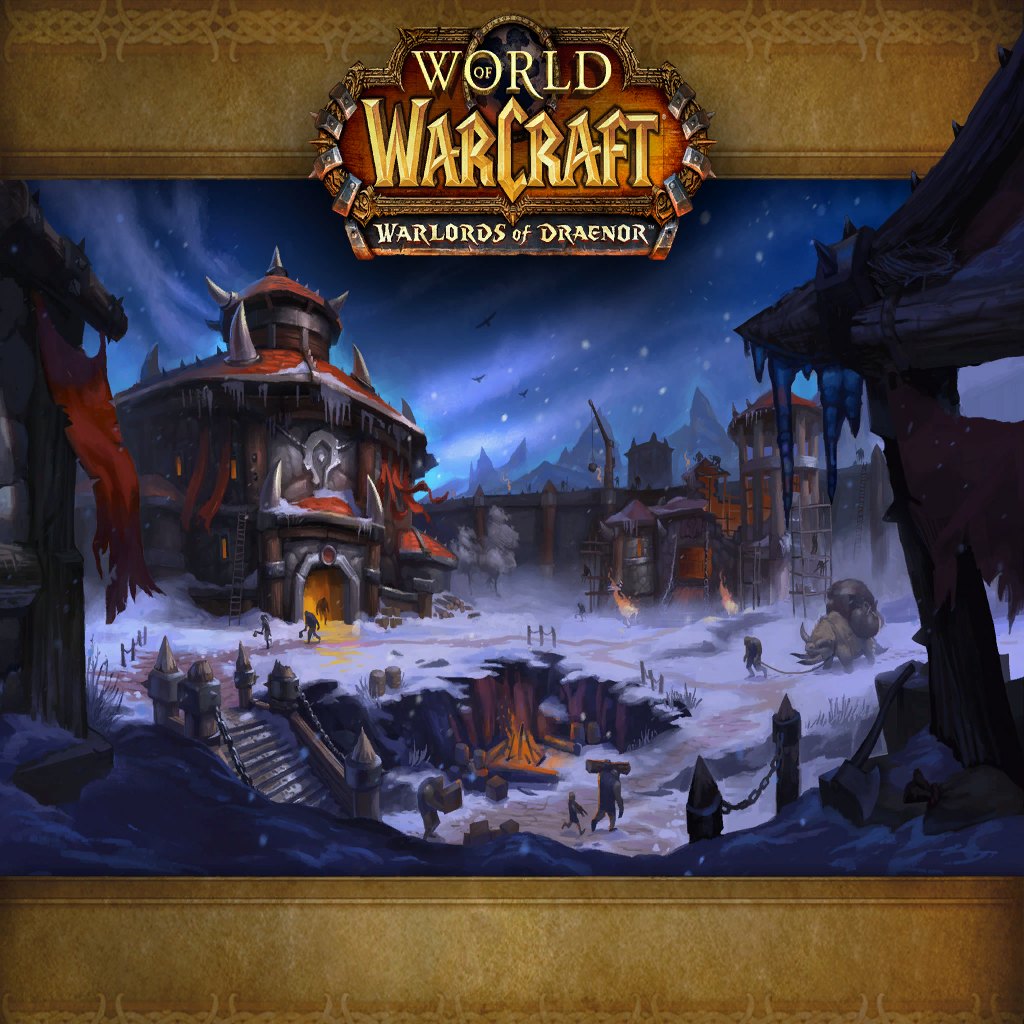
Art: Frostwall Garrison (Horde) loading screen · Blizzard Entertainment. Frostwall: a Horde garrison of grunts
0:00 / 1.6s
Where you hear it
gruntwarcry1.ogg is a war cry from the orc grunt voice set. Like the peon lines, it carries over from Warcraft III, where grunts were the Horde's basic infantry. In WoW, grunt guards patrol Orgrimmar and Horde outposts. The cry is loud, guttural and short. It makes a strong raid-night alert.
TriggerA war cry from the orc grunt voice set, a Warcraft III carry-over.
In the game client
| Client path | sound/creature/grunt/gruntwarcry1.ogg |
|---|---|
| FileDataID | 551328 |
| Expansion | Classic |
| Game versions | Retail, Classic, Forever |
| Duration | 1.6s |
| Sample rate | 22,050 Hz |
| Channels | Mono |
| MP3 size | 39 KB |
| M4R size | 23 KB |
| OGG size | 17 KB |
Other grunt sounds in the client
- Grunt: unit attack (1)
sound/creature/grunt/gruntunitattack1.oggFDID 551329 - Grunt: yes, attack (2)
sound/creature/grunt/gruntyesattack2.oggFDID 551330 - Grunt: yes, attack (1)
sound/creature/grunt/gruntyesattack1.oggFDID 551331 - Grunt: yes, attack (3)
sound/creature/grunt/gruntyesattack3.oggFDID 551332
Use it as
Ringtone
On a phone call the 1.6-second Grunt War Cry clip is over in a blink, so set it to loop and let it repeat until you answer.
Notification sound
Over a text, a loud 1.6-second war cry registers instantly and is hard to confuse with a stock phone chime.
Discord soundboard
On a soundboard the 1.6-second Grunt War Cry clip lands and finishes before anyone has to stop talking.
iPhone
- Tap iPhone ringtone (.m4r) above and choose Download.
- Open the Files app, go to Downloads and open the file.
- Tap Share, then Use as Ringtone (iOS 26).
- Pick it in Settings, Sounds & Haptics, Ringtone or Text Tone.
Android
- Tap Download MP3 above.
- Open Settings, Sound & vibration, then Phone ringtone or Default notification sound.
- Tap My sounds, then +, and pick the MP3 from Downloads.
Discord
- Download the OGG or MP3 above.
- Open Server Settings, Soundboard, Upload Sound, and pick the file.
- Name it and choose an emoji. You need the Manage Expressions permission.
Discord takes clips up to 5.2 seconds and 512 KB; this one fits.
Windows
- Windows sound schemes only take WAV files, so convert the MP3 to WAV first (Audacity or any audio converter does it in one export).
- Open Settings, System, Sound, More sound settings, then the Sounds tab.
- Pick an event such as Notification, click Browse, choose the WAV, then Apply.
OBS alert
- Download the MP3 above.
- In your alert tool (Streamlabs or StreamElements) set it as the alert sound file.
- Or in OBS add a Media Source with the MP3, untick Loop, and fire it with a hotkey.
Related sounds


On TheWoWDB
Appears inCreature and Boss Sounds
Audio © Blizzard Entertainment. Fan reference, not affiliated.