 TheWoWDB
CreatureCataclysmRetail
Ragnaros Aggro (Firelands)
Ragnaros' opening line in the Firelands raid.
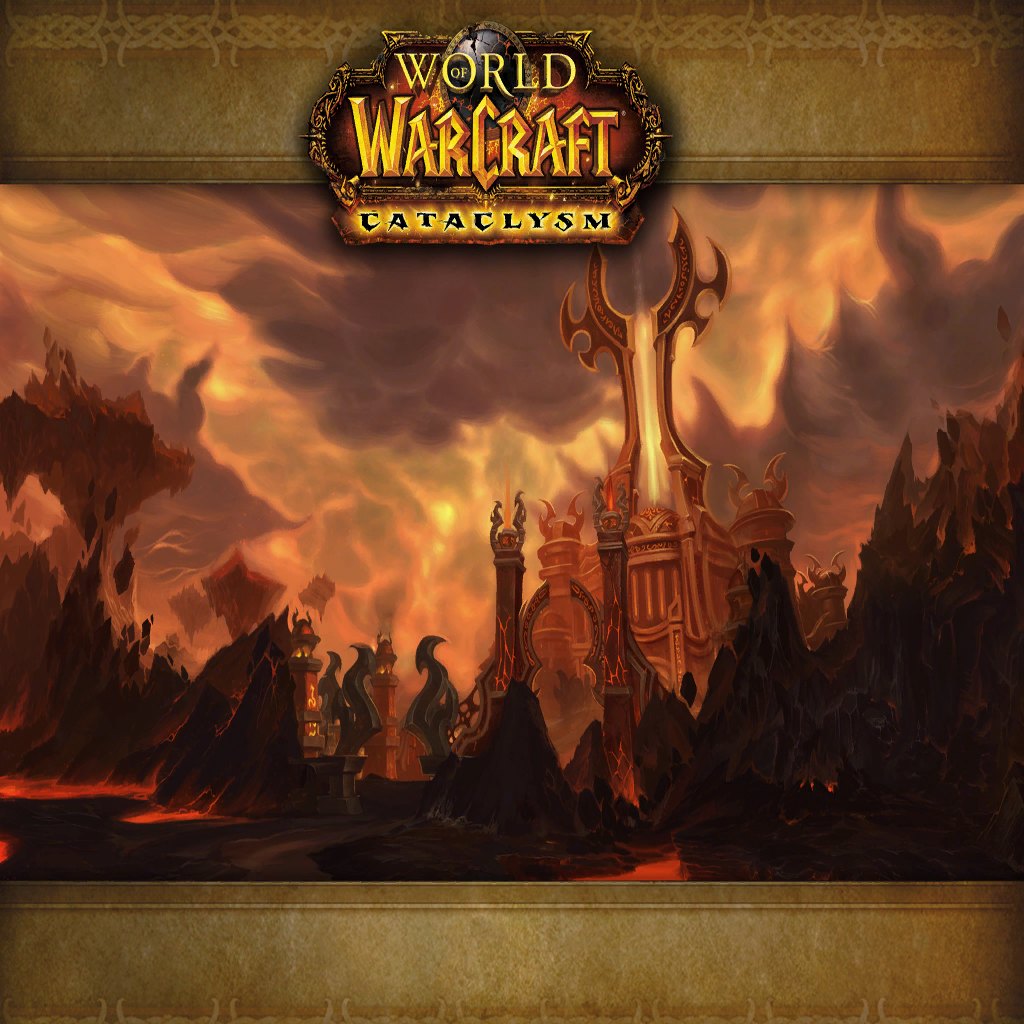
Art: Firelands loading screen · Blizzard Entertainment. Firelands, Ragnaros' home plane
0:00 / 11.9s
Where you hear it
vo_fl_ragnaros_aggro.ogg belongs to the Firelands raid, released with Cataclysm patch 4.2, where players finally fought Ragnaros in his own realm. The 'vo_fl' prefix marks it as Firelands voice-over, recorded fresh rather than reused from Molten Core. The Firelord's delivery in this fight is grander and angrier, matching a battle that ends with him on the brink of true death. The encounter featured multiple phases, a platform breaking apart and a heroic-mode appearance by druids of the Cenarion Circle. This aggro line runs about twelve seconds.
TriggerPlays when the Ragnaros encounter in the Firelands raid begins.
In the game client
| Client path | sound/creature/ragnaros/vo_fl_ragnaros_aggro.ogg |
|---|---|
| FileDataID | 558806 |
| Expansion | Cataclysm |
| Game versions | Retail |
| Duration | 11.9s |
| Sample rate | 22,050 Hz |
| Channels | Mono |
| Loudness | -14.1 LUFS |
| MP3 size | 265 KB |
| M4R size | 147 KB |
| OGG size | 45 KB |
Other ragnaros sounds in the client
- Ragnaros arrival 05
sound/creature/ragnaros/ragnarosarrival05.oggFDID 558766 - Ragnaros Firelands kill 01
sound/creature/ragnaros/vo_fl_ragnaros_kill_01.oggFDID 558767 - Ragnaros Hyjal event 04
sound/creature/ragnaros/vo_qe_ragnaros_hyevent04.oggFDID 558768 - Ragnaros quest 42 event 01
sound/creature/ragnaros/vo_quest_42_ragnaros_event_01.oggFDID 558769 - Ragnaros Firelands kill 02
sound/creature/ragnaros/vo_fl_ragnaros_kill_02.oggFDID 558770 - Ragnaros Hyjal event 01
sound/creature/ragnaros/vo_qe_ragnaros_hyevent01.oggFDID 558771 - Ragnaros Firelands hammer drop 02
sound/creature/ragnaros/vo_fl_ragnaros_hammer_drop_02.oggFDID 558772 - Ragnaros Hyjal event 05
sound/creature/ragnaros/vo_qe_ragnaros_hyevent05.oggFDID 558773
Use it as
Notification sound
Over a text, a twelve-second roar is unmistakable, though at 11.9 seconds it is best saved for the alerts that matter.
Discord soundboard
The full Ragnaros Aggro (Firelands) clip runs 11.9 seconds, past a 5.2-second soundboard slot, so cut the most recognisable part.
iPhone
- Tap iPhone ringtone (.m4r) above and choose Download.
- Open the Files app, go to Downloads and open the file.
- Tap Share, then Use as Ringtone (iOS 26).
- Pick it in Settings, Sounds & Haptics, Ringtone or Text Tone.
Android
- Tap Download MP3 above.
- Open Settings, Sound & vibration, then Phone ringtone or Default notification sound.
- Tap My sounds, then +, and pick the MP3 from Downloads.
Windows
- Windows sound schemes only take WAV files, so convert the MP3 to WAV first (Audacity or any audio converter does it in one export).
- Open Settings, System, Sound, More sound settings, then the Sounds tab.
- Pick an event such as Notification, click Browse, choose the WAV, then Apply.
OBS alert
- Download the MP3 above.
- In your alert tool (Streamlabs or StreamElements) set it as the alert sound file.
- Or in OBS add a Media Source with the MP3, untick Loop, and fire it with a hotkey.
Related sounds


On TheWoWDB
Audio © Blizzard Entertainment. Fan reference, not affiliated.