 TheWoWDB

InterfaceRetailClassicForever
Raid Boss Emote Warning
The alert that accompanies a boss emote announcing a big ability.
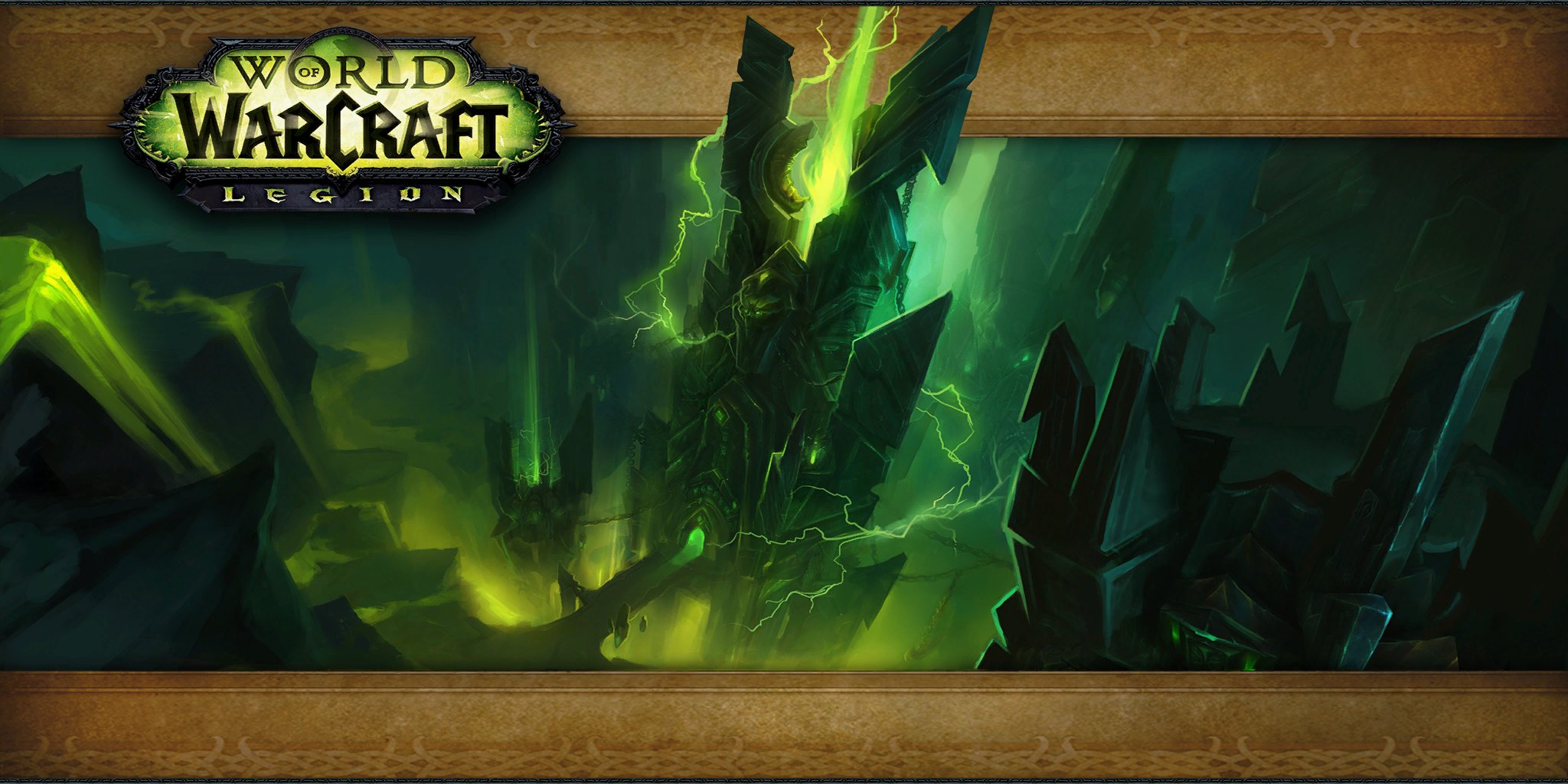
Art: Antorus, the Burning Throne loading screen · Blizzard Entertainment. Antorus: a boss emote before every big cast
0:00 / 5.0s
Where you hear it
When an encounter wants the whole raid to see an incoming mechanic, it sends a raid boss emote and raidbosswarning.ogg plays with it. The sound is lower and heavier than the player raid warning, which lets raiders tell the encounter's message from their leader's. Emotes such as 'begins to cast' or 'fixates on' usually precede the attacks that wipe groups. At five seconds it has more body than most interface alerts. Players who learned fights by ear came to treat it as a cue to look up.
TriggerPlays when a boss posts a raid boss emote, the orange centre-screen text that telegraphs a dangerous ability.
In the game client
| Client path | sound/interface/raidbosswarning.ogg |
|---|---|
| FileDataID | 567394 |
| Game versions | Retail, Classic, Forever |
| Duration | 5.0s |
| Sample rate | 22,050 Hz |
| Channels | Stereo |
| Loudness | -15.9 LUFS |
| MP3 size | 111 KB |
| M4R size | 89 KB |
| OGG size | 57 KB |
Use it as
Notification sound
Over a text, a five-second low warning registers instantly and is hard to confuse with a stock phone chime.
Discord soundboard
On a soundboard the 5.0-second Raid Boss Emote Warning clip lands and finishes before anyone has to stop talking.
Alarm
As an alarm, Raid Boss Emote Warning (mastered near -15.9 LUFS) was built to be heard over game audio, and it loops without a gap until you are up.
iPhone
- Tap iPhone ringtone (.m4r) above and choose Download.
- Open the Files app, go to Downloads and open the file.
- Tap Share, then Use as Ringtone (iOS 26).
- Pick it in Settings, Sounds & Haptics, Ringtone or Text Tone.
Android
- Tap Download MP3 above.
- Open Settings, Sound & vibration, then Phone ringtone or Default notification sound.
- Tap My sounds, then +, and pick the MP3 from Downloads.
Discord
- Download the OGG or MP3 above.
- Open Server Settings, Soundboard, Upload Sound, and pick the file.
- Name it and choose an emoji. You need the Manage Expressions permission.
Discord takes clips up to 5.2 seconds and 512 KB; this one fits.
Windows
- Windows sound schemes only take WAV files, so convert the MP3 to WAV first (Audacity or any audio converter does it in one export).
- Open Settings, System, Sound, More sound settings, then the Sounds tab.
- Pick an event such as Notification, click Browse, choose the WAV, then Apply.
OBS alert
- Download the MP3 above.
- In your alert tool (Streamlabs or StreamElements) set it as the alert sound file.
- Or in OBS add a Media Source with the MP3, untick Loop, and fire it with a hotkey.
Related sounds


Level Up (Alternate) 5.0s
A second level-up fanfare stored next to the original ding in the interface folder.

Ready Check 2.9s
The raid leader's ready check: a sharp bell that demands a click on Ready or Not Ready.

On TheWoWDB
Appears inRaid and PvP Sounds
Audio © Blizzard Entertainment. Fan reference, not affiliated.