TheWoWDB
Boom and Burst
Boom and Burst is a quest for level 80, added in The War Within.
Boom and Burst is a quest for level 80, added in The War Within.
The highest voted Wowhead comments for this page. They are community notes, not TheWoWDB comments.
Extra Action button seems to only appear when YOU ARE NOT IN [spell=460013].
Need confirmation for other mounts.Confirmed be me EXTRA ACTIO BUTTON APPEARS while on regular/flying mounts.
You need to use the EXTRA ACTION BUTTON [spell=469281] And shoot [npc=232962]. [item=231889] will drop on the ground.
You don't even need to target [npc=232962], it automatically shoot the closest one.
I drove into the area and did not see the quest, the action button, or the flyers (even after leaving vehicle). Went off to another quest and walked back into the area of this quest and everything showed up.
If you're feeling stupid like me and can't figure out what you're doing after you enter the quest area:
1) Look up and find a Worn-Down Flyer.
2) Click on it and use your J-16 buster rocket (button that appears near the middle of the screen).
3) Look around the corpse for small shiny parts to loot.
4) Rinse and repeat.Don't click the corpse and wonder why it doesn't loot anything like me.
Because the mobs are fairly dense and the parts are so small you might also have trouble finding them among the corpses of your enemies, the F button might be useful if you the interact key enabled.
| Objective area | Undermine | 9 mapped points |
|---|
Pins are the quest’s own POI points from the current retail client, projected onto the in-game zone map. The game marks one blob as the quest’s turn-in; the rest are objective areas. Points that fall outside a map’s window are dropped rather than guessed at.
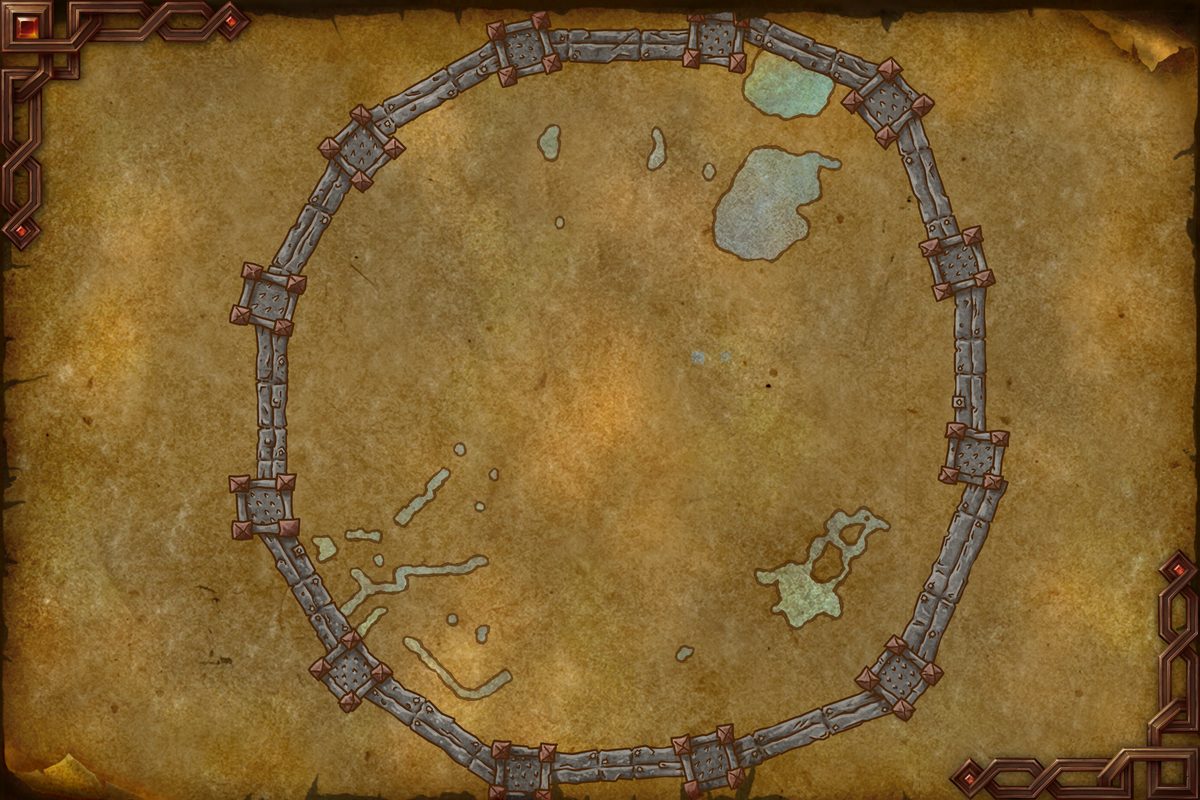 Objective areaObjective areaObjective areaObjective areaObjective areaObjective areaObjective areaObjective areaObjective area
In-game waypoint: /way #2346 66.1 79.0
/way #2346 61.0 77.9/way #2346 60.4 76.6Map coordinates of the pins above. An area the client draws as a shape is given by the centre of its points.
Quests whose map markers the client places closest to this one on Undermine, nearest first. Distances are straight lines between the markers.
Flight points closest to the quest’s first objective area marker on Undermine:
Straight-line distances in yards between the quest’s own map markers (QuestPOI) and the client’s flight-point positions (TaxiNodes); flight paths and terrain are not modelled.
“Serviceable parts, if you don't mind a few blemishes and the smell of gunpowder. Adds character, right?”
Creature, object and item facts from the current retail client; “also asked for by” lists other quests whose objectives name the same target. Prices are the US commodity auction house’s lowest listed price.
First seen in build 12.0.7.68887 (Midnight patch 12.0.7, the oldest build in our datamine).
Steps, storylines and map placement from the client’s QuestLine, prerequisite and QuestPOI data; neighbouring quest text is Blizzard’s own (quest API), shortened to its opening sentences.
The comments below were written by Wowhead users. They are community notes, not TheWoWDB comments. See them in context on Wowhead.
The top 3 are shown in Top Comments above. Read all 6 on Wowhead.
 New-To-You Mechanical Parts