 TheWoWDB
Why is the console asking for 100 fragments when you only have 50? The answer is [item=244466] from the previous quest. Open it and you will get another 50 fragments.
Quest

Overcharged Console
A World of Warcraft quest in Delver's Headquarters. Facts and objectives from the current retail game data.
The highest voted Wowhead comments for this page. They are community notes, not TheWoWDB comments.
As you progress through your first Overcharged Delve try not to destroy the Overcharged Pylons because the fifth quest to get the belt will require you to destroy 4 of them and if you do a full clear you'll be able to complete all five in a single delve.
Old school WoW players will understand this.
I could not for the life of me figure out why I was unable to move forward with this quest. I did enough Overcharged Delves...so what's the problem!So I was having two major problems MOST WoW players have:
(1) Can't complete this quest, (Great, now I have to look it up)
(2) My bags are full. (Never have time to empty)I try to be organized but I just don't have time to clean out my bags, my bank, (and now) or my Warbank. So now I just auto dump my stuff in my Warbank and I barely look at what's in there because it's overwhelming. All the Warbank did was allow me and many others to hoard more.
Back to the quest. Where are these silly fragments? Why are they not in my bags? So I read the two comments here, which were helpful but not in my situation. I abandoned the quest to see if it was bugged. Nope. I do not have the fragments, but I KNOW I have done enough Delves to have them. Then I had that AH HA moment. They are Warbound. I auto dumped them in my bank. /facepalm. Check your bank ladies and gentlemen.
Quest facts
Quest ID90971
Check whether you have already completed this quest
in-game: /run print(C_QuestLog.IsQuestFlaggedCompleted(90971))
Description
With the shards ye found, we can use the console tae restore the titan discs and use them to access powerful boons. Use the console's disc repair feature to create a titan disc, then use that disc to select a starting node in the overcharge console's interface.
Where to go
Pins are the quest’s own POI points from the current retail client, projected onto the in-game zone map. The game marks one blob as the quest’s turn-in; the rest are objective areas. Points that fall outside a map’s window are dropped rather than guessed at.
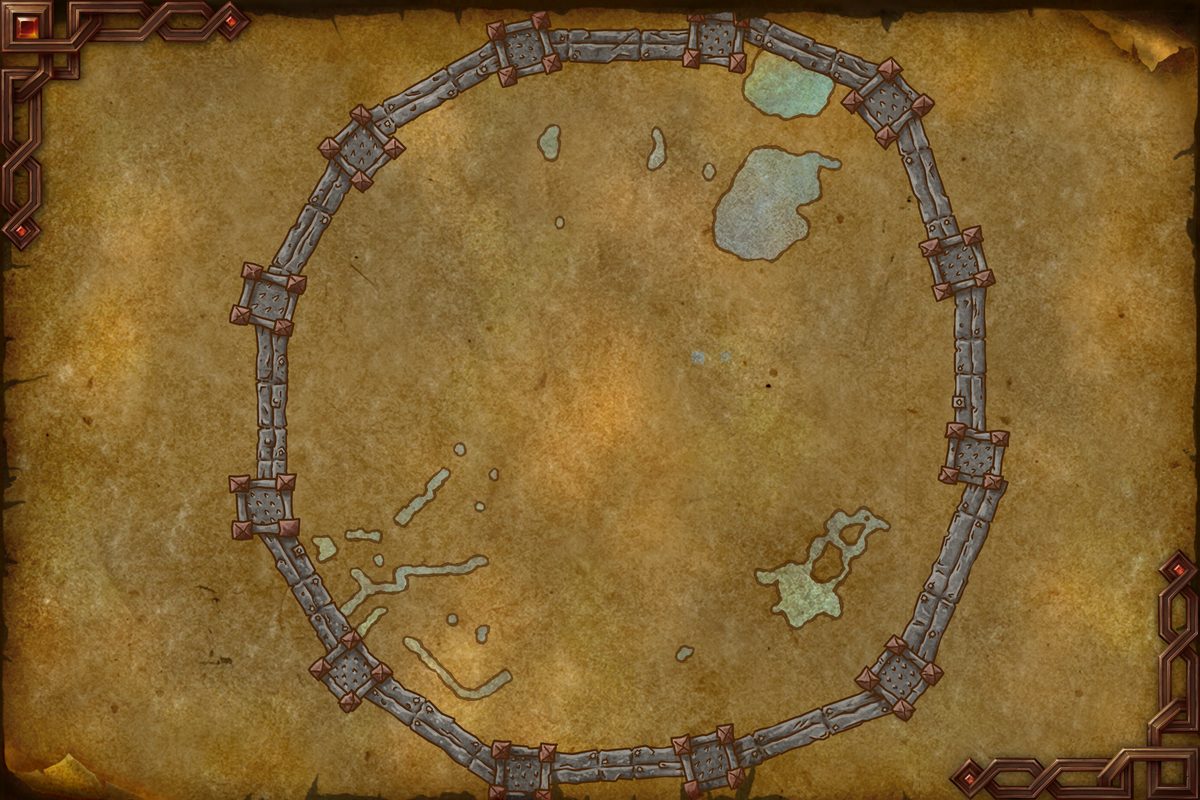 Turn-in
In-game waypoint: /way #2346 35.2 51.7
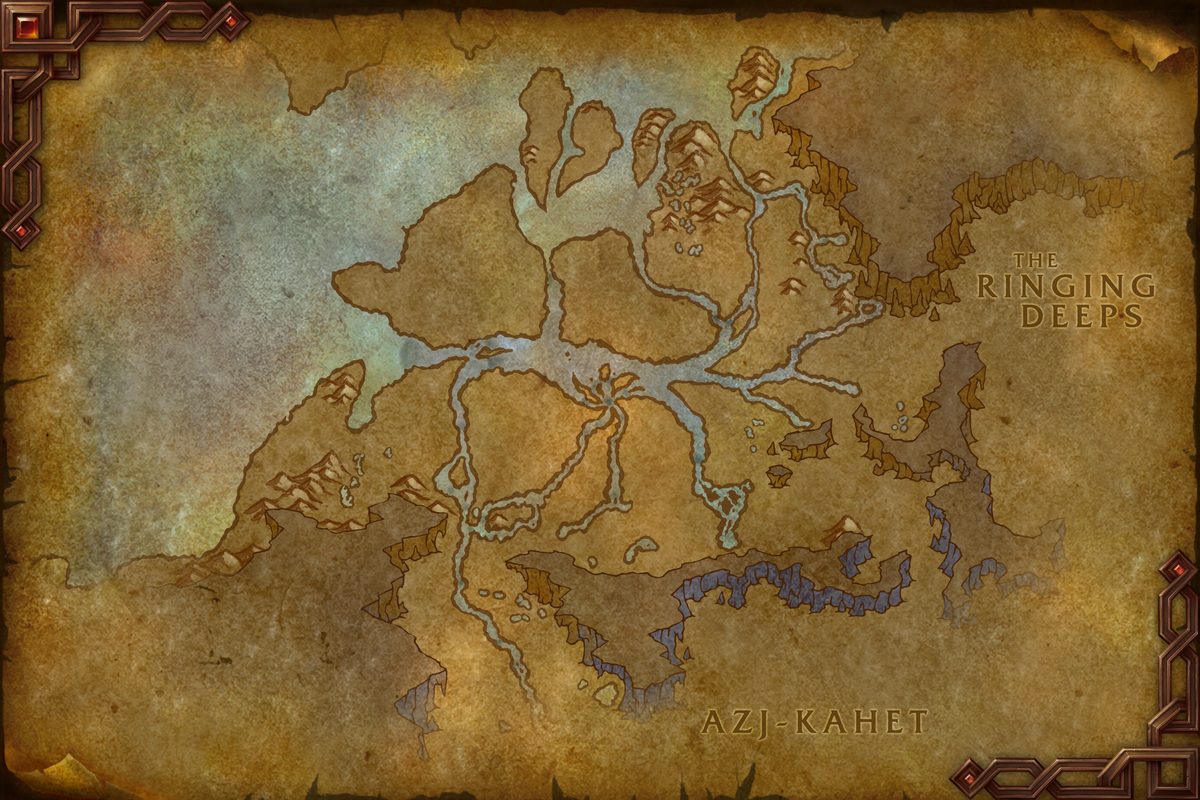
 Turn-in
In-game waypoint: /way #2255 45.1 18.9
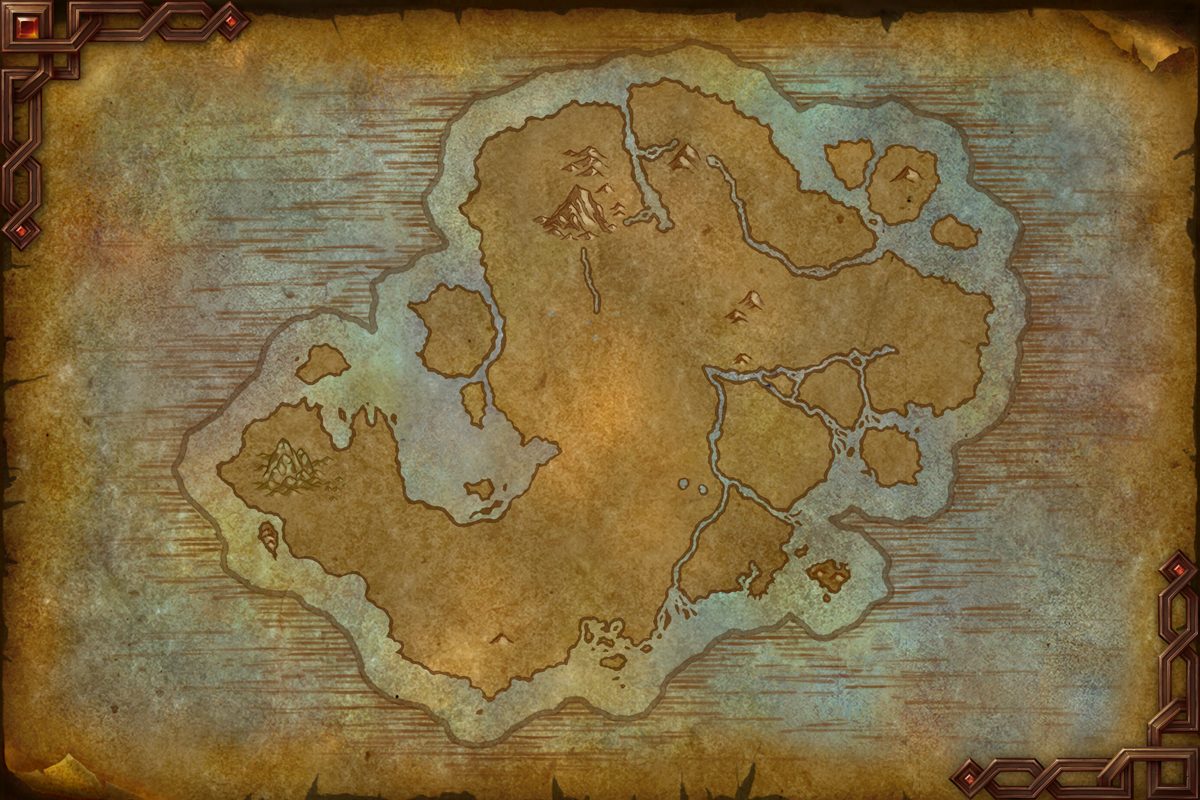 Turn-inTurn-inObjective area
In-game waypoint: /way #2248 51.8 65.5
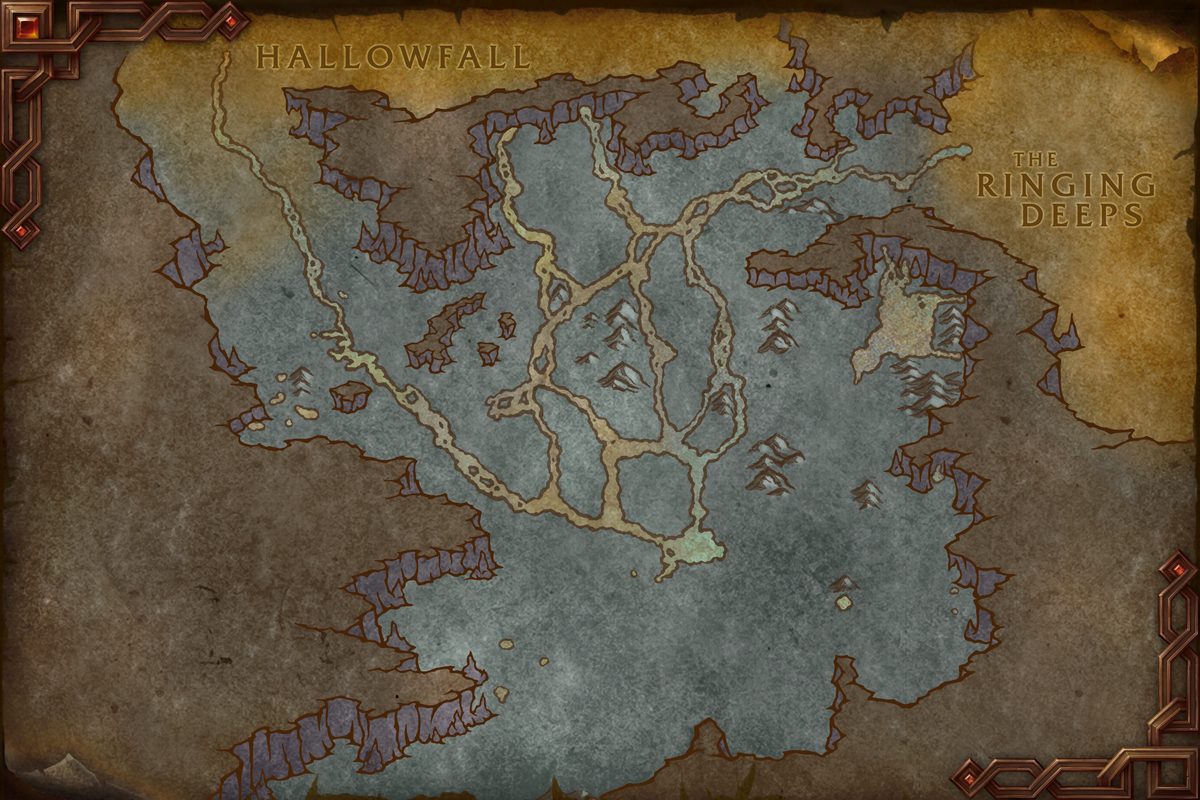
 Turn-inTurn-in
In-game waypoint: /way #2215 65.5 61.6
Coordinates
- Turn-inUndermine 35.2, 51.7
/way #2346 35.2 51.7 - Turn-inAzj-Kahet 45.1, 18.9
/way #2255 45.1 18.9 - Turn-inIsle of Dorn 51.8, 65.5
/way #2248 51.8 65.5 - Turn-inIsle of Dorn 62.2, 42.7
/way #2248 62.2 42.7 - Objective areaIsle of Dorn 51.9, 65.5
/way #2248 51.9 65.5 - Turn-inHallowfall 65.5, 61.6
/way #2215 65.5 61.6 - Turn-inHallowfall 34.3, 47.3
/way #2215 34.3 47.3
Map coordinates of the pins above. An area the client draws as a shape is given by the centre of its points.
Nearby on the Undermine map
- Delves: The Sluice Contains the Juice
- Delves: Site of Madness
- No More Walkin' Here
- Things Left Undone
- Cashing the Check
- Ad-Hoc Wedding Planner
- On-the-Job Training
- Trash to Profit
- Urge to Surge
- Operation: Floodgate: Disposing of the Garbage
Other quests whose map markers the client places on Undermine.
Getting there
Flight points closest to the quest’s turn-in marker on Undermine:
- The Incontinental Hotel
- Slam Central Station
- The Heaps
Straight-line distances in yards between the quest’s own map markers (QuestPOI) and the client’s flight-point positions (TaxiNodes); flight paths and terrain are not modelled.
Community notes from Wowhead · 12 comments
Top 3 shown aboveThe comments below were written by Wowhead users. They are community notes, not TheWoWDB comments. See them in context on Wowhead.
The top 3 are shown in Top Comments above. Read all 12 on Wowhead.
Money28 gold9 silver
Experience9,500 XP
Storyline
Overcharged Delves
Part 4 of 10.
Previous: Titan Disc-Count · Next: Durable Information Storage Container
- 1Titanic Rumblings
- 2Titan Consoles
- 3Titan Disc-Count
- 4Overcharged Console
- 5Durable Information Storage Container
- 6Gathering an Upgrade
- 7New Titan Directives
- 8Pushing it to the Limit
- 9Monitoring 'Construct'ing
- 10Construct De-Escalation
Storyline order is the client’s own QuestLine data from the current retail build.
Where this quest fits
Before this quest
Taken from the storyline's own step order.
- Titan Disc-Count
We need tae secure more titan discs. Venture deeper into this area, seek out the Titan Constructs, and defeat them. Ye should find disc shards. This console can reassemble them and access their data. Make sure tae search for any treasure rooms as well.
After this quest
Taken from the storyline's own step order.
- Durable Information Storage Container
Adventurer, can you hear me? I've discovered a smaller titan device, the Durable Information Storage Container, which can fit on yer belt. I've deduced they'll be able tae play smaller titan discs, granting ye boons ye can use anywhere. Each of these devices need a jump start.
The storyline at a glance
Overcharged Delves has 10 steps, from Titanic Rumblings to Construct De-Escalation.
Maps its steps are placed on (steps per map): Dornogal (7), Hallowfall (3).
Other storylines on the Hallowfall map
- Hope in Solidarity
- The Guiding Star
- Gathering Shadows
- The Priory
- Bringing Light to Velhan's Claim
- Striking Steel
Steps, storylines and map placement from the client’s QuestLine, prerequisite and QuestPOI data; neighbouring quest text is Blizzard’s own (quest API), shortened to its opening sentences.